Critical cPanel Security Update Released September 8, 2026
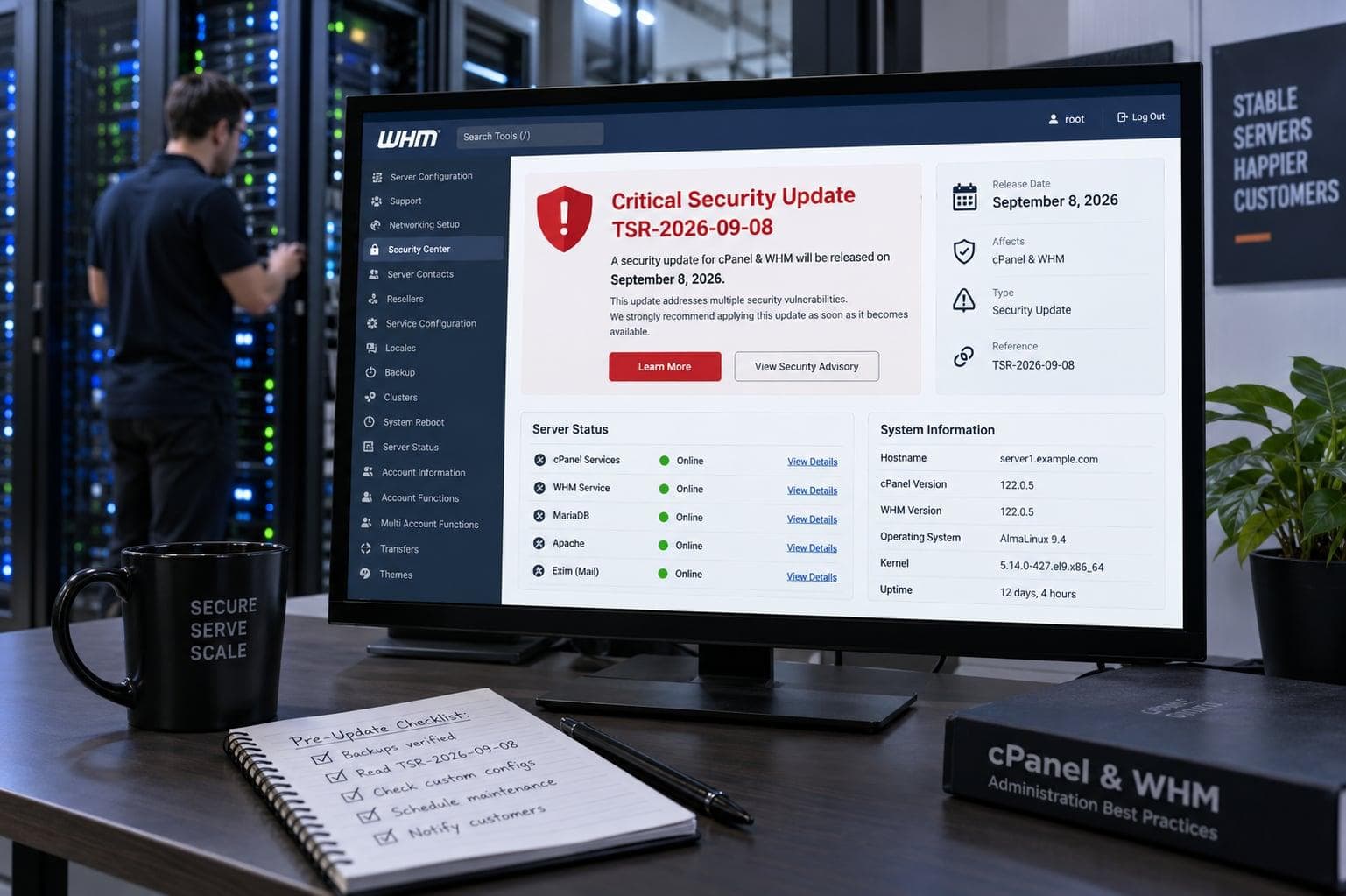
cPanel's announced critical cPanel & WHM security update began reaching production systems on September 8, 2026. We observed new security builds on both current and legacy production branches.
The vulnerability was identified internally during cPanel's security review process. cPanel identifies it as CVE-2026-67401 and says it is not aware of active exploitation.
cPanel states that all supported cPanel & WHM versions are affected and has published minimum patched builds for each supported branch. Detailed exploitation information remains restricted, so administrators should prioritize updating rather than relying on unverified exploit details.
Status on September 7, 2026
cPanel has identified the issue as CVE-2026-67401, a critical SQL injection vulnerability in EmailTrack. A mail-enabled cPanel account may be able to cause a root-owned file to be written to an arbitrary server path. Administrators should update to the minimum patched build for their branch immediately.
The security builds are now reaching production systems
The security release began reaching production systems on September 8, 2026. During our live checks, cPanel & WHM 136 systems moved from 136.0.38 to 136.0.39 through the normal security update process.
We also observed a CloudLinux 7 system on the cPanel 110 branch receive 110.0.143 during its normal cPanel update cycle. Both 11.136.0.39 and 11.110.0.143 were subsequently confirmed by cPanel as minimum patched builds for CVE-2026-67401.
cPanel has confirmed that CVE-2026-67401 is a critical SQL injection vulnerability in EmailTrack. A mail-enabled cPanel account can submit crafted input that may cause a root-owned file to be written to an arbitrary server path. Detailed exploitation information remains restricted.
CVE-2026-67401 affects cPanel EmailTrack
cPanel has identified the vulnerability as CVE-2026-67401, a critical SQL injection flaw in the EmailTrack functionality of cPanel & WHM. The issue was identified internally through cPanel's security review process.
According to cPanel, a mail-enabled cPanel account can submit crafted input that may result in a root-owned file being written to an arbitrary path on the server. Exploitation does not require root access and could compromise server integrity.
cPanel says it is not aware of exploitation of CVE-2026-67401. Detailed exploitation information remains restricted, so we do not speculate beyond the impact and prerequisites confirmed by the vendor.
Hourly security updates matter when a security build is released
A cPanel server may be configured for normal daily updates while also checking for security releases independently every hour. This is controlled by the SECURITY_UPDATES value in /etc/cpupdate.conf.
cPanel's current documentation recommends the hourly setting so that security updates can be applied as soon as they are released rather than waiting for the normal nightly update cycle.
cat /etc/cpupdate.confCPANEL=release
RPMUP=daily
SECURITY_UPDATES=hourly
UPDATES=daily/usr/local/cpanel/scripts/upcp --securityVerify the installed cPanel version and release tier
The locally installed version alone does not tell the whole story. Administrators should also verify whether a newer build is available on the configured release tier.
During our checks on September 7, both production systems were running cPanel & WHM 136.0.38 on the RELEASE tier. The WHM API reported 136.0.38 as both the current and newest RELEASE build at that moment, while 138.0.3 was available on the CURRENT tier.
That distinction matters because moving a production server to CURRENT simply because a newer major version exists is not the same decision as installing a security build published for the existing RELEASE branch.
/usr/local/cpanel/cpanel -V/usr/local/cpanel/bin/whmapi1 --output=jsonpretty get_update_availability/usr/local/cpanel/bin/whmapi1 --output=jsonpretty get_available_tiersEnd-of-life versions require special attention
The advance notice explicitly tells administrators to identify systems running end-of-life versions because unsupported releases may need to be upgraded before they can receive the fix.
cPanel's release documentation currently lists version 136 with an approximate August 2026 end-of-life date and version 138 with an approximate November 2026 end-of-life date. The same documentation also states that a previous version does not become EOL until the upcoming version reaches the RELEASE tier.
On September 8, our production checks observed 136.0.39 on the cPanel 136 branch and 110.0.143 on a cPanel 110 system. Administrators should still verify the build offered for their own branch rather than infer support or remediation status from approximate lifecycle dates alone.
A security update is useful only if the package manager can install it
Preparing for a critical cPanel patch should include more than checking the cPanel version. Available disk space, package-manager health and previous update logs can all determine whether an update completes successfully.
Our pre-release checks included the staging filesystem, inode availability, the latest cPanel update log and the RPM dependency state.
df -h /usr /var /home /tmpdf -i /usr /var /home /tmpyum checktail -100 /var/cpanel/updatelogs/lastWe found obsolete kmod-lve packages during the preparation
The most useful finding from our preparation had nothing to do with the still-undisclosed cPanel vulnerability itself. On two CloudLinux 8 production servers we found older kmod-lve packages installed alongside the current LVE module package.
On one production system, the package database contained versions 2.0-49, 2.0-50 and 2.1-61.1 simultaneously. On a second production system, versions 2.0-43, 2.0-44 and 2.1-61.1 were present.
The active kernel module on both systems was already the newer 2.1-61.1 generation, meaning that the older RPM packages were redundant leftovers rather than the module currently providing LVE functionality.
rpm -qa | grep '^kmod-lve' | sortkmod-lve-2.0-49.el8.x86_64
kmod-lve-2.0-50.el8.x86_64
kmod-lve-2.1-61.1.el8.x86_64One earlier update had already exposed the dependency problem
The obsolete packages were not merely cosmetic. A previous cPanel package update on one of the systems had already failed during the operating-system package phase.
The error involved the older kmod-lve package requiring a kernel symbol provider that the package transaction could not satisfy.
This is exactly the kind of latent update problem that should be discovered before a critical security release becomes available rather than while administrators are attempting to deploy the patch.
Problem: package kmod-lve-1:2.0-49.el8.x86_64 from @System requires kernel(oops_in_progress) = 0x299b2b01, but none of the providers can be installedPreview destructive package operations before executing them
We did not immediately remove the obsolete packages. The first step was a DNF transaction preview using --assumeno.
The preview confirmed that only the two obsolete kmod-lve packages would be removed and that no unrelated dependencies would disappear with them.
Only after verifying the transaction did we execute the actual removal.
dnf remove --assumeno \
  kmod-lve-2.0-49.el8.x86_64 \
  kmod-lve-2.0-50.el8.x86_64
DNF appeared to pause while weak-modules and dracut were working
During the kmod-lve cleanup, DNF remained on the RPM scriptlet stage for several minutes. From the original SSH session it could easily have looked as if the transaction had frozen.
A second SSH session showed that the operation was still active. The RPM scriptlet had started weak-modules, which in turn was running dracut and later depmod while processing the installed kernels.
This was an important operational observation: interrupting an RPM transaction with Ctrl-C or kill -9 simply because no new terminal output appears for several minutes could cause a significantly worse problem.
dnf
 └─ rpm scriptlet
     └─ weak-modules --remove-modules
         └─ dracut
weak-modules
├─ depmod
└─ grepThe obsolete packages were removed without rebooting the server
After the kernel-module maintenance scripts completed, the DNF transaction finished normally and only kmod-lve 2.1-61.1 remained installed on the system.
The loaded kmodlve module remained active and yum check returned without dependency errors after the cleanup.
We deliberately did not combine this preparation with an unplanned kernel reboot. The objective was to remove an update blocker before the cPanel security release, not introduce additional maintenance risk immediately before it.
rpm -qa | grep '^kmod-lve' | sortlsmod | grep kmodlvemodinfo kmodlve | grep -E 'filename|version|vermagic'yum checkKernelCare reduced the need for an immediate kernel reboot
Both inspected CloudLinux systems were running KernelCare. As a result, the physically booted kernel and the effective live-patched kernel level were different.
On one system, the booted kernel was older than the effective live-patched kernel level reported by KernelCare.
That allowed us to keep the planned kernel upgrade and reboot for a dedicated maintenance window while still cleaning up the obsolete LVE packages before the cPanel security release.
uname -rkcarectl --unameMinimum patched cPanel builds
cPanel states that all supported cPanel & WHM versions are affected. Administrators should update to at least the minimum patched build for the branch installed on each server.
The minimum patched builds published for CVE-2026-67401 are 11.110.0.143 for version 110, 11.134.0.55 for version 134, 11.136.0.39 for version 136, 11.138.0.4 for version 138 and 11.138.1.9 for wp138.
- cPanel 110: 11.110.0.143 or later
- cPanel 134: 11.134.0.55 or later
- cPanel 136: 11.136.0.39 or later
- cPanel 138: 11.138.0.4 or later
- wp138: 11.138.1.9 or later
- servers on end-of-life releases must first move to a supported branch
- after updating, verify the installed cPanel & WHM version
/scripts/upcp --force/usr/local/cpanel/cpanel -VPreparation turns a critical release into a verification task
The most valuable part of an advance security notification is the time it gives administrators to verify the update path before the actual vulnerability details become public.
A server may have automatic security updates enabled and still fail to install a patch because of disk-space problems, package conflicts, obsolete kernel modules or a previous incomplete update.
By checking those conditions in advance, the work after release becomes much simpler: identify the fixed build, confirm that the server has received it and investigate only if the expected update did not complete.
Because detailed exploitation information remains restricted, administrators should avoid relying on unverified proof-of-concept claims and instead prioritize installing the vendor's patched build immediately.
Official cPanel documentation
Related 1B Telecom technical articles
A Hungarian-language version of this article is available here.